Branding
Setting the firm name and logo shown on the login page, sidebar, client portal, transactional emails, and generated reports.
Firm branding in the sidebar (under Reporting) sets two things for your whole instance: a company name, and a logo. Wherever RedScribe would otherwise show its own name, it shows yours instead.
- Company name is plain text. If it’s blank, every surface that would show it falls back to plain “RedScribe.”
- Logo is an uploaded image. Wherever both a logo and a name are set, the logo takes visual priority; the name is used only as its alt text, not shown alongside the image as well.
Uploading a logo
Section titled “Uploading a logo”The form accepts PNG, JPEG, or WebP, up to 2MB. Validation happens twice:
first a quick check against the browser-reported file type, then, before
anything is saved, RedScribe opens the actual uploaded bytes and verifies
they really are a decodable image in one of those three formats. A file
that lies about its type (say a .png extension on something that isn’t
actually a PNG) is rejected at that second check, since it never gets
stored on the strength of its filename or declared type alone.
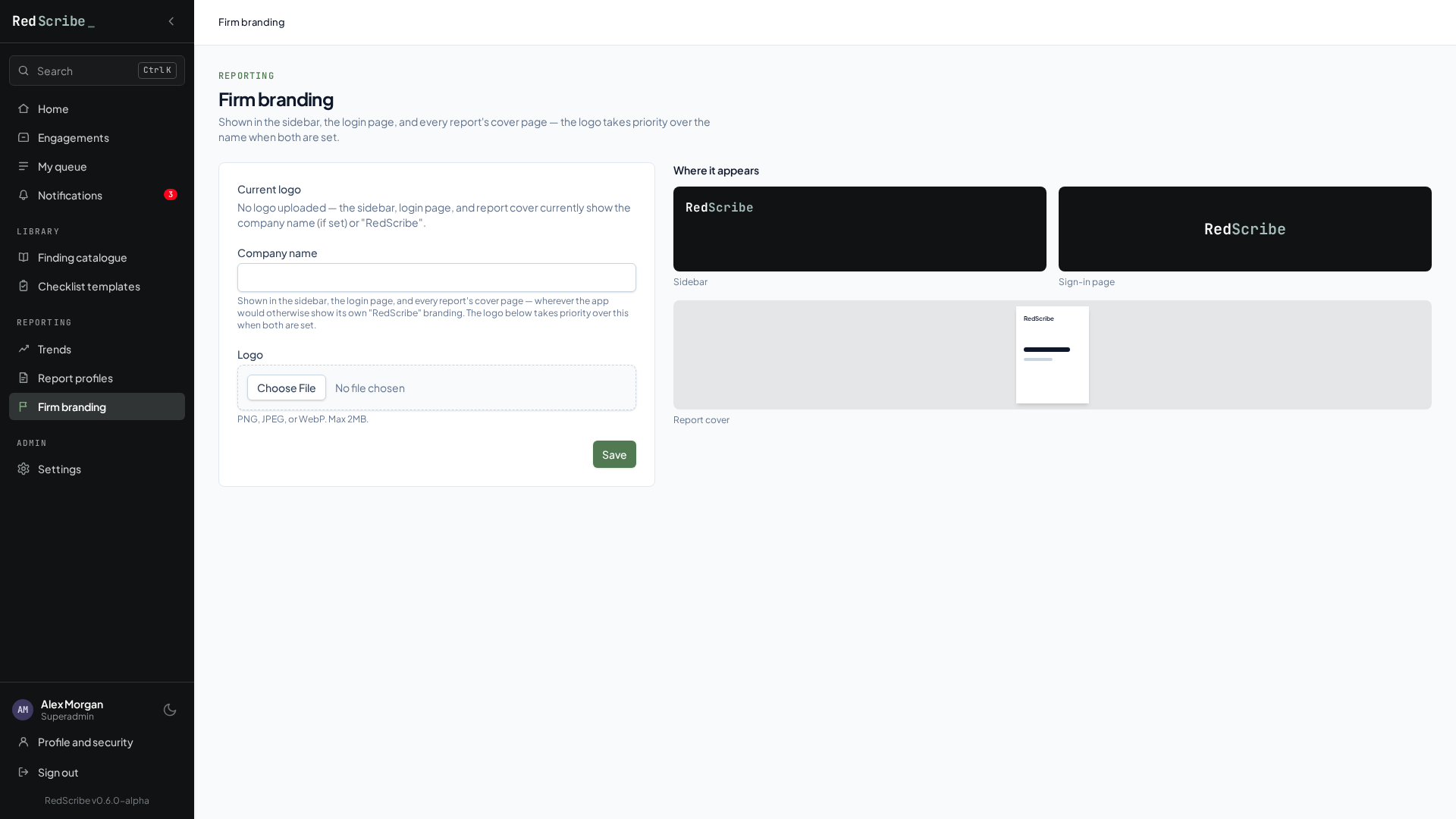
Remove logo clears it back to no logo, falling back to the text name (or plain “RedScribe” if that’s blank too) everywhere the logo would have appeared.
The logo is served back through its own endpoint as raw image bytes, rather than through the app’s regular static file handling, so a change takes effect immediately with no extra deploy step needed. That endpoint has no login requirement of its own, since the same login page it decorates hasn’t authenticated anyone yet. It’s cached for up to an hour by browsers and proxies, so a change may take a little while to show up everywhere at once.
Where it appears
Section titled “Where it appears”| Surface | Company name | Logo |
|---|---|---|
| Login page | Yes, as a large heading if no logo is set | Yes, replaces the name heading entirely when set |
| Staff sidebar, once signed in | Yes, as sidebar text if no logo is set | Yes, replaces the sidebar text when set |
| Client portal header and sidebar | Yes, same fallback behavior | Yes, same fallback behavior |
| Transactional emails | Yes, always in the body text; also in the subject line of review/QA assignment notification emails specifically | No, emails only ever use the text name, never the image |
| Generated reports | Yes, on the cover and in the footer, across every export format | Yes, embedded on the report cover for Markdown, PDF, and HTML exports; placeable anywhere you like in a Word template |